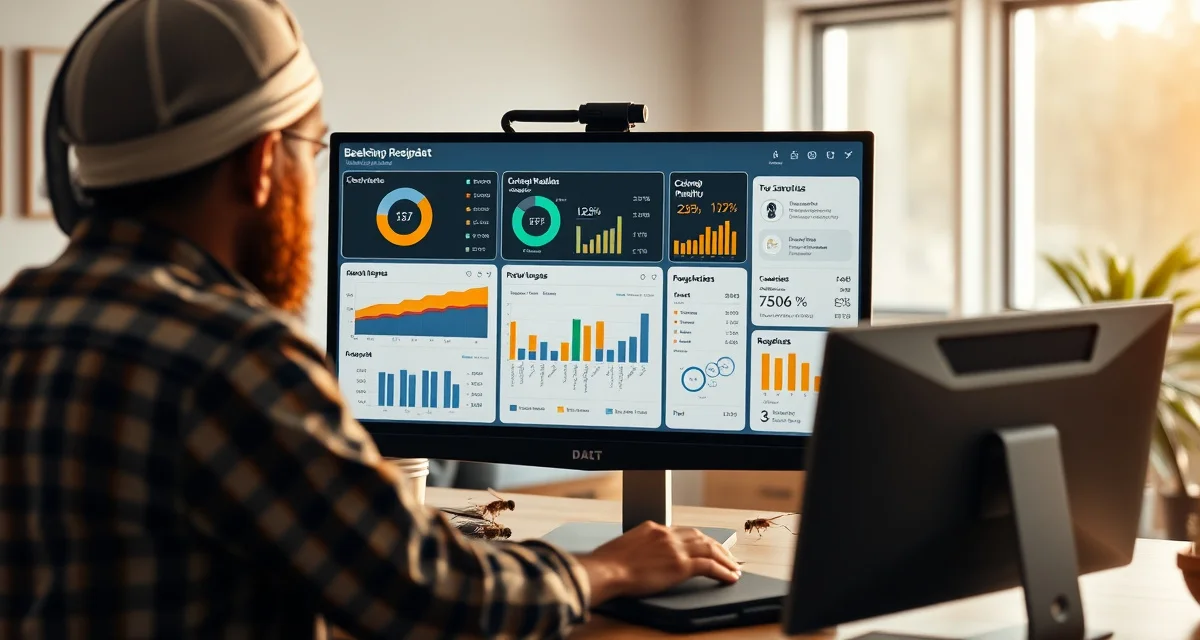
Custom Reporting in PollenOps: Building the Reports Your Operation Needs
Operators who use performance reports reduce colony losses 15% per year through data-driven management. Custom reports eliminate the need to export data to Excel for analysis. Everything stays in PollenOps, which means your data is always current and your analysis is always based on complete records.
This guide covers the reporting system in PollenOps and how to build the reports that drive better management decisions.
TL;DR
- Commercial beekeeping operations that manage contracts on spreadsheets and phone calls spend 5-10 hours per week on administrative tasks that software handles automatically.
- Purpose-built beekeeping software centralizes contract lifecycle management, yard records, health documentation, and fleet logistics in one platform.
- The primary ROI drivers for operations software are fewer contract disputes, faster invoicing, and reduced time spent on administrative coordination.
- PollenOps is built specifically for commercial-scale pollination operations; it is not a hobbyist platform adapted for commercial use.
- Moving from spreadsheets to dedicated software typically pays for itself within one season in time savings and dispute prevention.
What Custom Reports Can Cover
PollenOps reports draw from the data you generate in the course of normal operations:
Contract and revenue data:
- Revenue per hive by crop and region
- Contract pipeline status (active, completed, invoiced, overdue)
- Payment history and accounts receivable aging
- Season revenue comparison year-over-year
Colony health data:
- Strength score trends by yard and over time
- Varroa infestation levels by yard and treatment response
- Colony loss rates by season, yard, and management approach
- Pre-move compliance rates (what percentage of colonies hit minimum strength)
Fleet performance data:
- Miles driven by truck and by season
- Fuel costs and efficiency
- Route performance vs. optimized baseline
- Crew hours by yard and contract
Grower relationship data:
- Renewal rates by grower
- Portal activity by client
- Invoice payment time by grower
- Dispute frequency and resolution time
Building a Revenue Tracking Report
The revenue tracking report is the most-used custom report in PollenOps. It shows your season financial performance in the detail you need for management decisions.
How to build it:
- Go to Reports > Custom Reports > New Report
- Select Contract Revenue as the data source
- Choose your date range (single season, year-to-date, or multi-season comparison)
- Group by: crop, region, grower, or contract
- Metrics to include: gross revenue, hive count, per-hive rate, payment status
- Add filter: paid/unpaid, crop type, state, or grower
- Save the report template for reuse
What the report tells you:
When you run this report at season end, you see at a glance: which crops generate the most revenue per hive, which growers are your best clients (highest rate, on-time payment, renewal year-over-year), and where your revenue is concentrated vs. diversified.
The report connects to pollination contract management data automatically, with no export required.
Building a Colony Health Trend Report
Health trend reports are the tool that produces the 15% colony loss reduction from data-driven management.
How to build it:
- Select Colony Health as the data source
- Choose your date range and yards
- Primary metric: average quality score over time (line chart)
- Secondary metrics: varroa infestation levels by season
- Group by: yard, treatment protocol, or season
- Filter by: colony status (active, contracted, wintering)
What the report tells you:
A colony health trend report over 3-4 seasons shows you whether your colonies are trending stronger or weaker year-over-year, which yards consistently produce stronger colonies (and why), whether your varroa treatment protocols are maintaining low mite levels over time, and how your pre-season colony condition correlates with your season contract performance.
Operations that have run this report for 3+ seasons report specific management changes they made based on the data: switching treatment timing, adjusting feeding protocols, requeening yards that consistently underperformed. Each change is traceable to the data.
Building a Fleet Performance Report
Fleet performance reports identify where you're spending money on transportation and where you can improve.
How to build it:
- Select Fleet as the data source
- Date range: full season
- Metrics: total miles, fuel cost, empty miles, miles per delivery
- Group by: truck, driver, route, or state
- Compare to: optimized route mileage baseline
What the report tells you:
The fleet performance report shows whether your actual routes matched the optimized routes the fleet module recommended, which drivers are running efficiently vs. adding empty miles, and which routes have the highest cost per hive moved.
For the PollenOps professional plan reporting features and the commercial plan custom report library, see the plan comparison documentation.
Pre-Built Report Templates
PollenOps includes a library of pre-built report templates for the most common commercial beekeeping reporting needs:
- Season Summary: Total revenue, hive count, contract count, and average per-hive rate
- Accounts Receivable: All outstanding invoices with age and grower contact
- Colony Health Dashboard: Current yard-level average scores and trend arrows
- varroa management: Current infestation levels vs. treatment threshold by yard
- Bloom Alert History: All alerts fired in a season with accuracy ratings
- Grower Renewal Status: Year-over-year renewal rates by client
These templates are available in one click from the Reports dashboard and can be exported as PDF or CSV.
Scheduling Automated Reports
Reports can be scheduled to run automatically and deliver to your email or your grower's portal:
For internal management: Set up a weekly contract pipeline report and a monthly colony health trend report to run automatically during active season.
For grower communication: Set up automated season-end grower reports that send to each client at season close, showing their delivery summary, strength documentation, and invoice history.
For grower communication tools and automated season-end reporting, PollenOps handles report delivery directly from the platform.
Frequently Asked Questions
What reports can PollenOps generate for a commercial operation?
PollenOps generates reports across four categories: contract and revenue reports (revenue by crop, region, grower, and payment status), colony health reports (strength trends, varroa levels, loss rates, and pre-move compliance rates), fleet performance reports (mileage, fuel costs, route efficiency, and crew hours), and grower relationship reports (renewal rates, portal activity, payment history, and dispute frequency). Each category has pre-built templates and a custom report builder. Reports can be exported as PDF or CSV and scheduled for automatic delivery by email.
Can I build custom dashboards in PollenOps?
Yes. The PollenOps custom report builder allows you to select any combination of data sources, metrics, date ranges, and groupings to create reports that match your specific management questions. Saved reports appear on your dashboard as panels that update automatically when you return. You can configure your main dashboard to display the 4-6 reports you check most frequently, so your daily management review starts with current data rather than requiring you to run reports manually each time. Custom report templates are saved to your account and can be shared with team members who have appropriate permissions.
How do I track revenue per hive across different crops in PollenOps?
Build a revenue tracking report in Reports > Custom Reports, select Contract Revenue as the data source, group by Crop, and include per-hive rate and total revenue as metrics. The resulting report shows each crop's contribution to your total revenue, the average per-hive rate by crop, and how much of your contracted hive capacity went to each crop. Running this report with a year-over-year comparison shows whether your per-hive rates are increasing, decreasing, or stable for each crop, and whether your crop mix is shifting. This data directly informs your circuit planning for the following season by showing where your best revenue-per-hive comes from.
What does purpose-built commercial beekeeping software do that a spreadsheet cannot?
Dedicated software connects data across your operation in ways spreadsheets cannot: a contract record links to the specific hives assigned to it, which links to the yard location, which links to health inspection records and treatment logs. When a grower calls to dispute a hive count, you can pull the delivery record, timestamped photos, and GPS-confirmed location in 30 seconds rather than searching three spreadsheets and an email thread. This integration is where the time savings and dispute-prevention value comes from.
How long does it take to migrate from spreadsheets to beekeeping software?
Most commercial operators complete the core migration in 2-4 weeks, starting with current contract records and active yard locations. Historical data (past seasons' inspection records, old contracts) can be migrated over time rather than all at once. The practical recommendation is to start with the current season's live data and add historical records as time allows. The operational improvement from having current data in the system is immediate; the historical data adds analytical depth over subsequent seasons.
Is there a free trial available for PollenOps?
Contact PollenOps directly to confirm current trial and demo options. Most commercial operators benefit from a walkthrough of the contract management and yard tracking modules against their own operation's data before committing, since the fit between the platform and your specific circuit and crop mix is the most important evaluation factor.
Try These Free Tools
Sources
- USDA Agricultural Research Service
- Bee Informed Partnership
- American Beekeeping Federation (ABF)
- American Honey Producers Association
- Project Apis m.
Get Started with PollenOps
Commercial beekeeping operations that move from spreadsheets to purpose-built software consistently report fewer disputes, faster invoicing, and less time on administrative work during peak season. PollenOps is built specifically for commercial-scale pollination operations. See how the platform fits your operation.