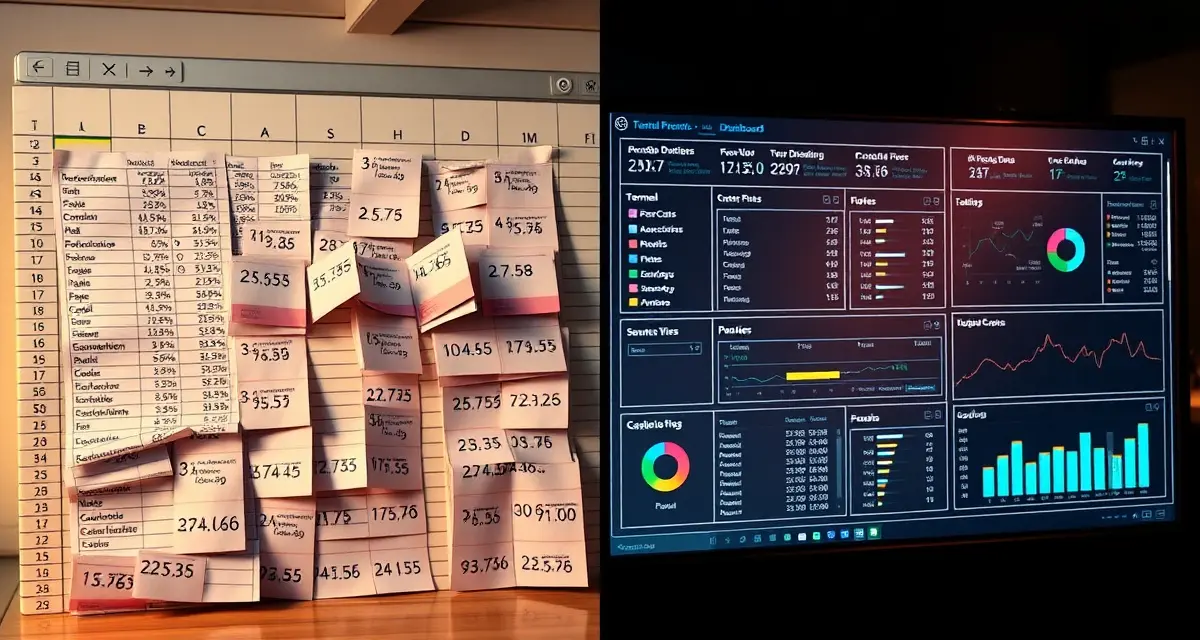
PollenOps vs Excel for Pollination Contract Management
Excel is the default beekeeping management system for most commercial operations. You probably know your own spreadsheet setup intimately, including which tabs work and which ones have accumulated so many rows that they're slow to open. It's a tool that works right up until it doesn't, and most beekeepers don't discover the "doesn't" part until they're in the middle of a problem.
Excel errors are cited in 35% of pollination invoice disputes among beekeepers who use spreadsheets. The average commercial beekeeper who switches to PollenOps replaces 6 separate spreadsheets with one integrated platform. That replacement eliminates the manual data transfer between those sheets, which is where most of the errors come from.
This comparison is direct about what Excel can and can't do for a commercial pollination operation.
TL;DR
- Commercial beekeeping operations that manage contracts on spreadsheets and phone calls spend 5-10 hours per week on administrative tasks that software handles automatically.
- Purpose-built beekeeping software centralizes contract lifecycle management, yard records, health documentation, and fleet logistics in one platform.
- The primary ROI drivers for operations software are fewer contract disputes, faster invoicing, and reduced time spent on administrative coordination.
- PollenOps is built specifically for commercial-scale pollination operations; it is not a hobbyist platform adapted for commercial use.
- Moving from spreadsheets to dedicated software typically pays for itself within one season in time savings and dispute prevention.
What Excel Does Well
Excel is genuinely capable for certain tasks:
- Storing structured data in rows and columns
- Performing calculations on numeric data
- Creating custom formulas and logic
- Generating charts and basic reports from entered data
- Being accessible on almost any device without a subscription
These are real strengths. If you're tracking a simple honey production operation with one or two locations, a well-designed spreadsheet may be all you need.
What Excel Cannot Do for Pollination Contract Management
Here's where the gap opens for commercial pollination operations:
Excel cannot send bloom timing alerts. Your almond contract requires hive delivery before 10% bloom. Excel has no connection to weather stations, growing degree day models, or regional bloom conditions. It can't tell you bloom is 6 days out. You're relying on external sources and personal judgment for the most time-sensitive logistics decision of your season.
Excel cannot capture GPS delivery records. When your truck arrives at an almond orchard at 3 AM and unloads 120 hives, Excel doesn't know that happened. You enter it later, hopefully accurately, hopefully with the right date and time. A GPS-timestamped delivery record from PollenOps is automatic, objective, and defensible in a dispute.
Excel cannot verify hive counts in the field. Your spreadsheet shows 120 hives contracted. Your driver arrives with 118 because two hives tipped over in transit. The spreadsheet doesn't know. The grower notices. The dispute starts.
Excel cannot generate grower invoices from field data. You enter field data in one sheet, then manually transfer the relevant numbers to your invoice template in another sheet or a Word document. Every transfer is a potential error. "35% of pollination invoice disputes" from spreadsheet errors doesn't mean beekeepers are sloppy, it means manual data transfer is error-prone at volume.
Excel cannot generate grower arrival reports automatically. After every delivery, your grower should receive a report with hive count, delivery time, GPS location, and strength scores. In Excel, this means manually composing and sending that report for every placement. In a season with 40 placements, that's 40 manual compositions.
Excel cannot alert you to contract compliance risks. If a contract requires a minimum of 7 frames of bees and your pre-move assessment shows 6, Excel doesn't flag it unless you've built elaborate conditional formatting and remember to check it. PollenOps flags it automatically.
Excel cannot manage state compliance documents. Your health certificates, state permits, and inspection records aren't connected to your move schedule in Excel. You're managing them separately, which means they're either in a folder somewhere or in your truck's glove box.
The 6 Spreadsheets Most Commercial Beekeepers Use
The average beekeeping operation switching to PollenOps typically consolidates these:
- hive inventory sheet: which hives are where, their status, last inspection date
- Yard tracking sheet: yard locations, GPS coordinates, active contracts, hive counts
- Contract tracking sheet: grower names, contract terms, service periods, payment status
- Move log sheet: date, origin yard, destination yard, hive count per move
- Invoice tracker: pending invoices, amounts, payment dates, outstanding balances
- Grower contact sheet: names, phone numbers, email addresses, account history
Each of these sheets lives in a different file or a different tab. Updating one doesn't update the others. When you move hives, you update the move log, then manually update the yard sheet, then update the inventory sheet. When you invoice, you pull numbers from the contract sheet and the move log and type them into your invoice template.
This works at 5 contracts. At 25 contracts it's a burden. At 50 contracts it's a system that's going to fail on you.
How Hard Is It to Switch from Excel to PollenOps?
The transition is easier than most beekeepers expect. The first step is importing your existing data: yard locations, hive counts, grower contact information. This imports from CSV files that you can export from Excel.
Contracts can be entered at the start of the season as you review and sign them. You're not re-entering years of historical data, you're setting up the current season and letting the platform build your historical record from there.
PollenOps onboarding includes guided setup assistance. Most operators have their yard and contract data entered within a week and are fully operational within a month.
The muscle memory for checking your spreadsheet doesn't disappear overnight, but within a season, most operators stop going back to Excel because everything they used to check there is in PollenOps and more current.
How Much Time Does PollenOps Save Compared to Excel?
The specific time savings depend on your operation's size and current workflow, but the areas where time is recovered are:
- Invoice preparation: auto-generated invoices from verified delivery data vs. manual composition
- Grower reports: generated from field check-in vs. manually composed after the fact
- Contract compliance: automated flags vs. manual checking across multiple spreadsheet tabs
- Data transfer between sheets: eliminated because data entered in one place is immediately available everywhere
- Dispute preparation: GPS records and strength assessments are ready instantly vs. hunting through logs
For a mid-size operation with 20-30 grower contracts, the time savings typically range from 5-10 hours per week during active season. That's meaningful operational capacity.
The Real Cost of "Free"
Excel feels free because you're already paying for Office. But the cost of running your pollination business on spreadsheets includes:
- The time you spend on manual data entry and transfer
- The cost of errors that enter your invoices through that process
- The revenue lost to missed bloom windows because you have no alert system
- The disputes you lose because your delivery documentation is a handwritten log rather than a GPS-timestamped record
These costs are real, even if they don't show up as a line item in your budget.
Frequently Asked Questions
What can PollenOps do that Excel cannot for beekeeping contracts?
PollenOps sends crop-specific bloom timing alerts calibrated for your yard locations. It captures GPS-timestamped delivery records at every placement. It auto-generates grower arrival reports from field check-in data. It flags contract compliance risks when pre-move hive strength assessments fall below contracted minimums. It generates invoices automatically from verified delivery data. None of these functions are possible in Excel without significant custom development.
How hard is it to switch from Excel to PollenOps?
Most beekeepers complete the initial data migration in under a week. Yard locations and hive data import from CSV files exported from Excel. Contracts are entered as you review them at the start of the season. PollenOps onboarding includes guided setup support. Within a season, most operators have a fully populated platform and stop relying on their spreadsheets for day-to-day operations.
How much time does PollenOps save compared to Excel for contract management?
Time savings vary by operation size, but beekeepers with 20-30 grower contracts typically recover 5-10 hours per week during active season. The savings come from automated invoice generation, auto-generated grower reports, eliminated manual data transfer between spreadsheet tabs, and instant access to GPS delivery records for dispute documentation. The total time saved across a full season is typically in the hundreds of hours for a mid-size commercial operation.
What does purpose-built commercial beekeeping software do that a spreadsheet cannot?
Dedicated software connects data across your operation in ways spreadsheets cannot: a contract record links to the specific hives assigned to it, which links to the yard location, which links to health inspection records and treatment logs. When a grower calls to dispute a hive count, you can pull the delivery record, timestamped photos, and GPS-confirmed location in 30 seconds rather than searching three spreadsheets and an email thread. This integration is where the time savings and dispute-prevention value comes from.
How long does it take to migrate from spreadsheets to beekeeping software?
Most commercial operators complete the core migration in 2-4 weeks, starting with current contract records and active yard locations. Historical data (past seasons' inspection records, old contracts) can be migrated over time rather than all at once. The practical recommendation is to start with the current season's live data and add historical records as time allows. The operational improvement from having current data in the system is immediate; the historical data adds analytical depth over subsequent seasons.
Is there a free trial available for PollenOps?
Contact PollenOps directly to confirm current trial and demo options. Most commercial operators benefit from a walkthrough of the contract management and yard tracking modules against their own operation's data before committing, since the fit between the platform and your specific circuit and crop mix is the most important evaluation factor.
Try These Free Tools
Sources
- USDA Agricultural Research Service
- Bee Informed Partnership
- American Beekeeping Federation (ABF)
- American Honey Producers Association
- Project Apis m.
Get Started with PollenOps
Commercial beekeeping operations that move from spreadsheets to purpose-built software consistently report fewer disputes, faster invoicing, and less time on administrative work during peak season. PollenOps is built specifically for commercial-scale pollination operations. See how the platform fits your operation.