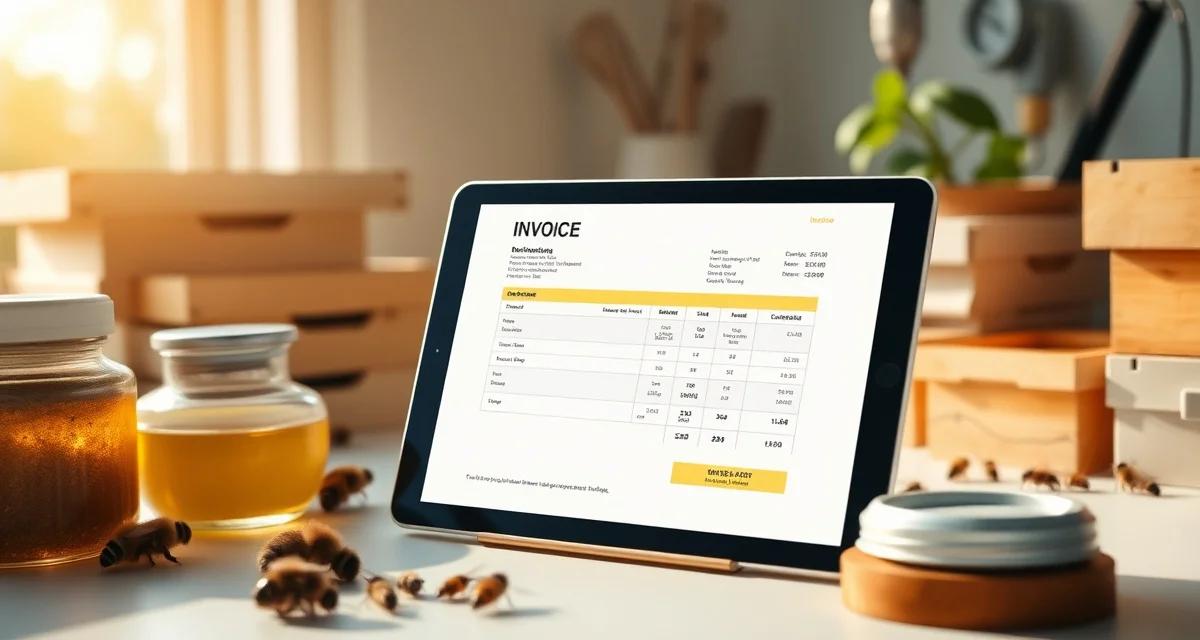
Pollination Invoice Template and Automation Guide
Handwritten or informal invoices are cited in over 70% of pollination payment disputes. That single statistic should stop you in your tracks. If you're still sending growers a basic invoice with a line item for "bees," you're leaving yourself wide open the moment a grower decides to push back on your count.
A proper pollination invoice template protects you. It ties the numbers on the page to documented hive counts, delivery timestamps, and contract terms. When a grower sees verified data, disputes become much harder to sustain.
This guide walks you through building a solid pollination invoice template from scratch and shows you how PollenOps can generate that invoice automatically from your field data.
TL;DR
- Almond pollination commands the highest per-hive rates ($185-220), followed by specialty tree fruit ($80-130), blueberry ($65-95), and vegetable crops ($40-90).
- Per-hive pricing should account for fuel costs, crew wages, and transport logistics that vary significantly by state and distance.
- Payment terms matter as much as rate: 30-day net on the second payment versus 14-day net changes cash flow meaningfully during peak season.
- Premium colony strength (8 frames vs. 6 frames) typically commands $15-25 per hive more for almond contracts.
- Operators who can demonstrate consistent quality through documented health records can justify premium pricing more easily than those without records.
Why Generic Invoices Fail Pollination Beekeepers
A standard invoice template from QuickBooks or a Word document has fields for quantity, rate, and total. That's fine for a plumber. It's not fine for pollination services.
Generic invoice templates don't include hive strength or GPS delivery data fields. Those two data points are exactly what growers challenge when they want to reduce payment. Without them on the invoice, you're asking a grower to take your word for it.
Pollination invoices are also more complex than most services. You may bill per hive, per acre, or on a tiered structure tied to delivery timing and hive strength scores. None of that fits neatly into an off-the-shelf template.
What to Include on a Pollination Service Invoice
Getting the format right matters as much as the numbers. Here's what every professional pollination invoice should contain.
Business and Contact Information
Your full legal business name, address, phone number, and email. Include your apiary registration number if your state requires it. Growers and their accountants will want this for their records.
Grower and Site Details
The grower's name, business name, and address. The specific orchard or field location, including the yard GPS coordinates if you have them. Reference the contract number so the invoice ties directly to your signed agreement.
Invoice Number and Dates
A unique invoice number, the invoice date, the service period (delivery date through pickup date), and the payment due date. If you have late fee terms, reference them here with a brief note.
Hive Count and Delivery Data
This is where most beekeepers fall short. List the contracted hive count versus the delivered hive count. Include the delivery date and time. If you have a GPS delivery record, note the coordinates or reference the delivery report number.
PollenOps auto-generated invoices pull verified hive counts and delivery timestamps from field data, so these fields populate without you typing them manually. That's the difference between an invoice you built from memory and one backed by records.
Hive Strength Information
Growers increasingly expect strength documentation. List your pre-move strength assessment results: frames of bees, brood frames, queen status. Reference the strength score from your pre-move checklist.
Rate Structure and Calculations
Break out your pricing clearly. If you bill per hive, show the hive count and the per-hive rate. If you have tiered rates for early or late delivery, show each tier separately. Never lump everything into a single line item. That's exactly the ambiguity that creates disputes.
Payment Terms and Late Fees
State your payment terms clearly: net 30, net 15, or due on receipt. Include your late fee structure. A common approach is 1.5% per month on overdue balances. Whatever you use, it needs to be in the contract first. The invoice should reference the contract terms, not introduce new ones.
Total Amount and Signature Block
The total amount due, any deposits already received (deduct these), and the remaining balance. Some beekeepers include a signature line for grower acknowledgment on delivery invoices.
Step-by-Step: Creating Your Pollination Invoice Template
Step 1: Choose Your Format
A PDF template you fill in manually works fine for small operations. Most beekeepers with more than a handful of contracts benefit from a tool that auto-populates from their field records. If you're using PollenOps, the invoice is generated directly from your delivery data. You review, adjust if needed, and send.
For manual templates, use Google Docs, Microsoft Word, or a spreadsheet. Save a master copy and duplicate it for each invoice.
Step 2: Set Up Your Header Section
Create a clean header with your business name prominently displayed. Add your contact details and apiary registration number. Leave a block for grower information that you'll fill in each time.
Step 3: Build the Service Line Items
Create rows for each billable component. For pollination services this typically includes: delivered hive count, per-hive rate, and any adjustment for early or late delivery. Add a row for any additional services like mid-season inspections.
Step 4: Add Hive Data Fields
This is the section that separates a professional pollination invoice from a generic one. Add fields for:
- Contracted hive count
- Delivered hive count
- Delivery date and time
- GPS yard location (or yard reference number)
- Pre-move strength score or assessment date
Step 5: Include Payment Terms and Late Fee Language
Reference your contract terms directly. Something like: "Payment terms as per Pollination Services Agreement dated [date]. Late payments accrue at 1.5% monthly."
Step 6: Number Your Invoices
Use a consistent numbering system. Many beekeepers use a format like YYYY-GROWER-001. This makes it easy to reference invoices during disputes and keeps your records organized for tax purposes.
Step 7: Send and Track
Send invoices promptly after delivery or after each billing milestone in your contract. Track payment status in your records. PollenOps flags overdue invoices in your dashboard so you don't need a separate spreadsheet.
How PollenOps Automates Pollination Invoicing
Manual invoice creation takes time. More importantly, it introduces errors. When you're pulling numbers from memory after a busy move week, mistakes happen.
PollenOps connects your hive count verification records directly to your invoice. The delivered hive count, GPS timestamp, and strength score pull in automatically. You set your per-hive rate in your contract record, and the system calculates the total.
For pollination service invoicing at scale with ten growers, multiple crops, and different rate structures, automated invoicing isn't a luxury. It's the only way to avoid errors and stay on top of collections.
Common Pollination Invoicing Mistakes
Billing without a delivery record. If you can't point to a GPS timestamp and a hive count record, your invoice has no evidentiary foundation.
Using vague line items. "Pollination services: $4,500" means nothing if a grower disputes the hive count. Break it out.
Not referencing the contract. Every invoice should cite the contract number. This anchors the invoice to the terms you both agreed to.
Ignoring partial delivery adjustments. If you couldn't place 100% of the contracted hives due to weather or site issues, invoice for what you delivered and document why the count differs.
Sending invoices late. Late invoices signal disorganization and give growers a reason to delay payment.
FAQ
What should I include on a pollination service invoice?
Include your business details, grower information, contract reference number, delivered hive count with GPS timestamp, pre-move strength score, rate structure, payment terms, and late fee language. The hive count and delivery timestamp are the most important fields for dispute prevention. They turn your invoice from an assertion into a documented record.
Should I invoice per hive or per acre for pollination services?
Most commercial pollination contracts use a per-hive rate, which makes it easier to adjust for actual delivered count. Per-acre billing is less common and can create disputes when coverage density is questioned. Per-hive billing ties your invoice directly to a countable, documented deliverable. If your contract uses per-acre billing, make sure you also document hive counts for verification purposes.
How do I add a late fee to a pollination invoice?
Your late fee terms need to appear in your contract first. You can't add them only on the invoice. Once they're in the contract, reference them on every invoice with specific language like: "Invoices not paid within 30 days of the due date will accrue a late payment fee of 1.5% per month on the outstanding balance." Always check your state's laws on allowable late fee rates, as some states cap the percentage.
How should fuel costs be factored into pollination pricing?
At current diesel prices of $4.50-5.50 per gallon in California, a single truck run from Florida to California costs $3,500-5,000 in fuel alone, plus driver wages, insurance, and DOT compliance. This transport cost must be distributed across the hives on that truck to calculate the true break-even per-hive rate. Operators who do not explicitly account for transport costs in their pricing often discover that apparently profitable contracts are actually breakeven or worse after logistics expenses.
What premium can operations charge for documented premium colonies?
Documented premium colonies (8+ frames of bees with verified mite counts below threshold and recent health inspection records) typically command $15-25 per hive more than 6-frame minimum contracts. For a 1,000-hive operation, moving from 6-frame to 8-frame pricing on half the fleet adds $7,500-12,500 in revenue per almond season. The documentation requirement is what makes the premium credible; growers who have been burned by strength disputes are willing to pay for verifiable quality.
How do payment delays affect cash flow during peak season?
A 30-day net payment on the 50% removal payment means a beekeeper who delivers 1,000 hives at $200/hive in February and pulls them in late March does not receive the second $100,000 payment until late April. Meanwhile, diesel, crew wages, and truck costs for the next move occur in March and April. This timing gap is why negotiating 14-day net (or shorter) on the second payment matters for operations that carry significant per-season logistics costs.
Try These Free Tools
Sources
- USDA Agricultural Research Service
- Bee Informed Partnership
- American Beekeeping Federation (ABF)
- American Honey Producers Association
- Project Apis m.
Get Started with PollenOps
Understanding the true cost of every hive placement -- including transport, crew, and logistics -- is the foundation of profitable pricing. PollenOps helps you track per-hive economics across your full operation so pricing decisions are based on data rather than estimates.